
Fusion Translate

Fusion Translate (sidebar , route fusionTranslation) is a dedicated workspace for Fusion node copy: fetch data, translate control names and text (cloud or keychain model), then import into the composition or copy nodes to paste. You can also drop a .setting file and save a local template.
Not the same as Fusion Presets
Fusion Presets manages a local .setting library and has a right-click translate drawer. This page is a separate route for timeline fetch, paste, macro⇄group, Lua preview, and batch row translation.
Desktop UI
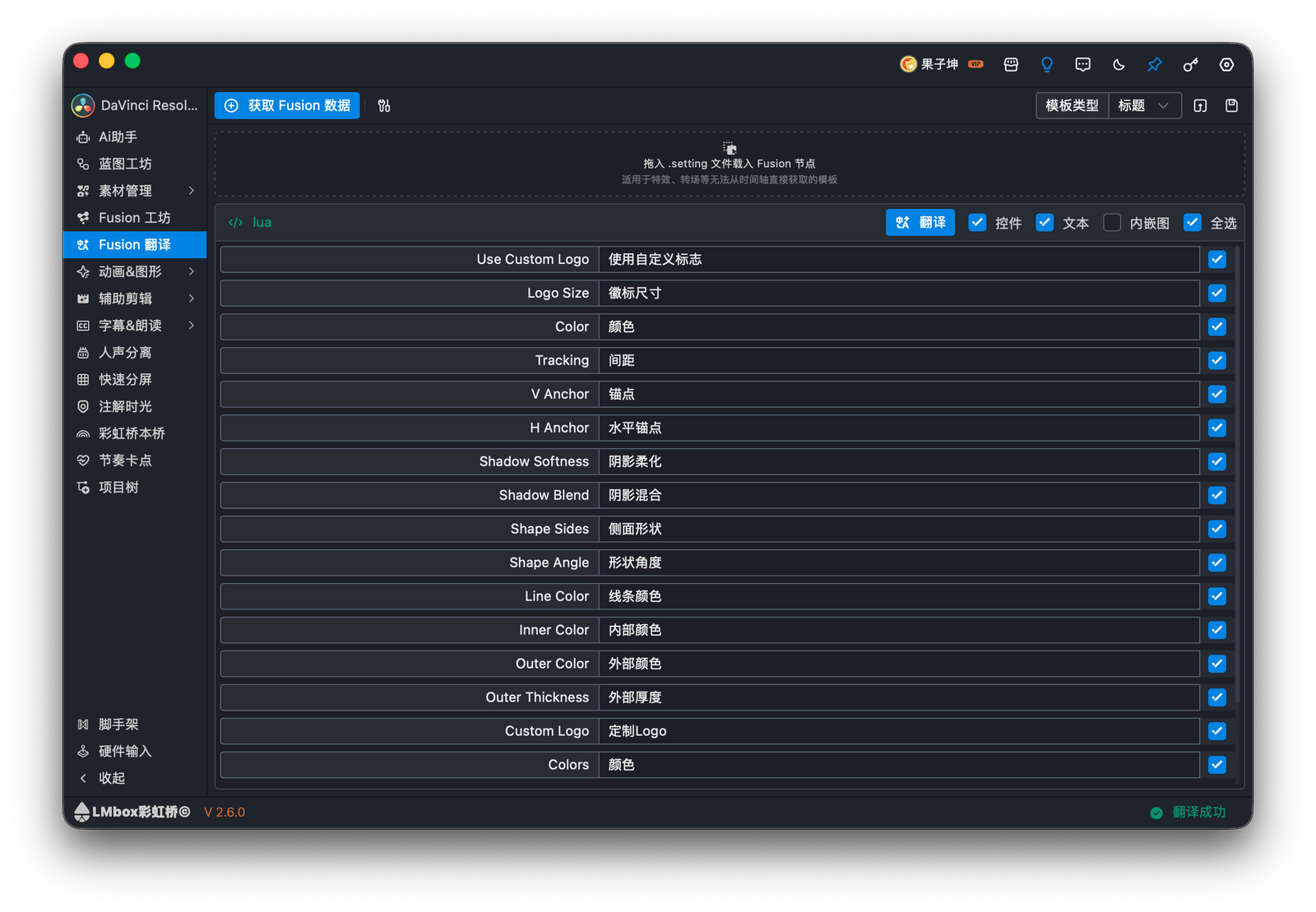
Figure: tick control / text rows and run Translate.
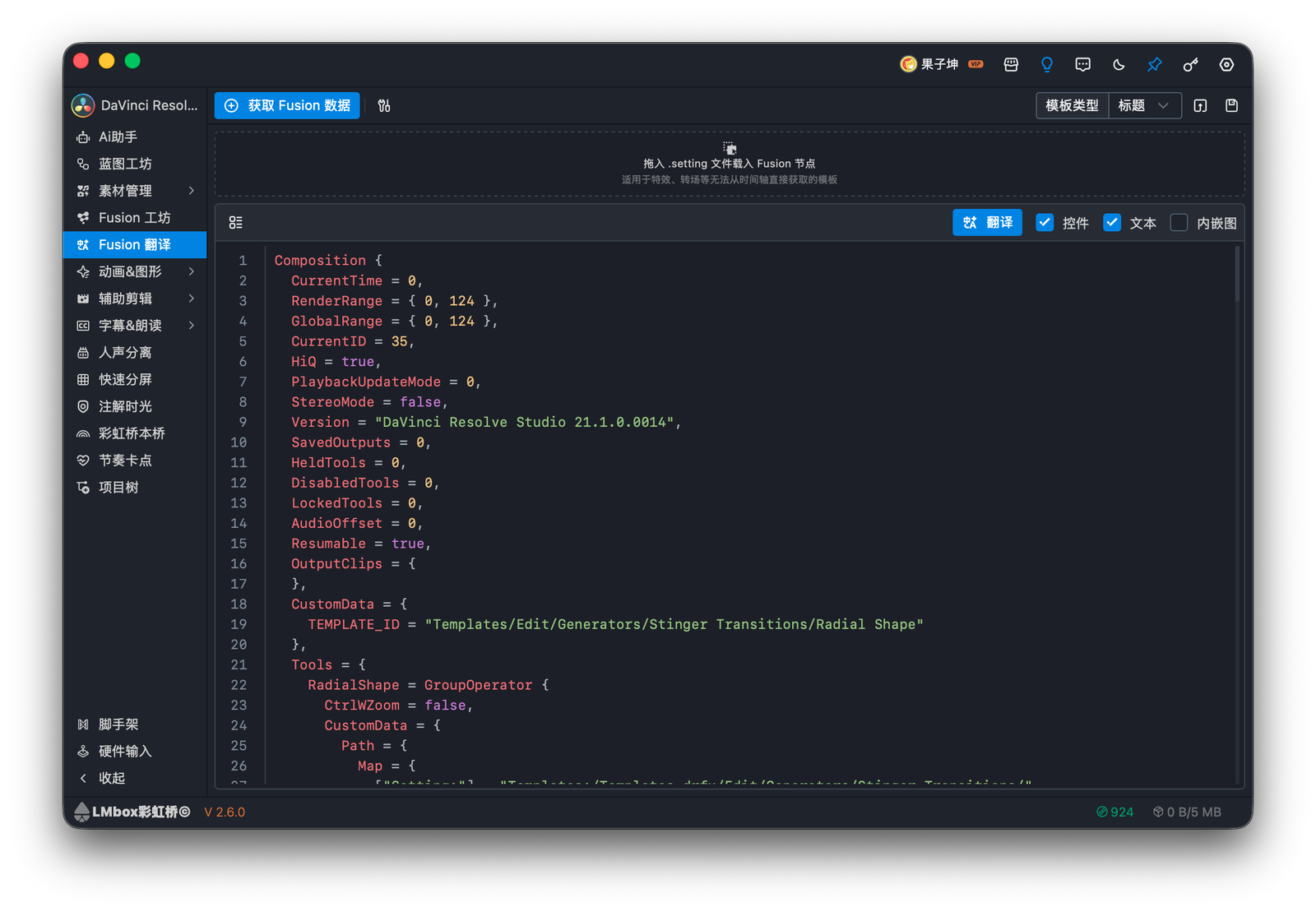
Figure: Fusion / Lua code preview in the same workspace.
Fetch data
| Method | Good for |
|---|---|
| From timeline | Titles and generators |
| Paste Fusion nodes | Copied node graphs; effects / transitions |
Drop .setting | File-based load |